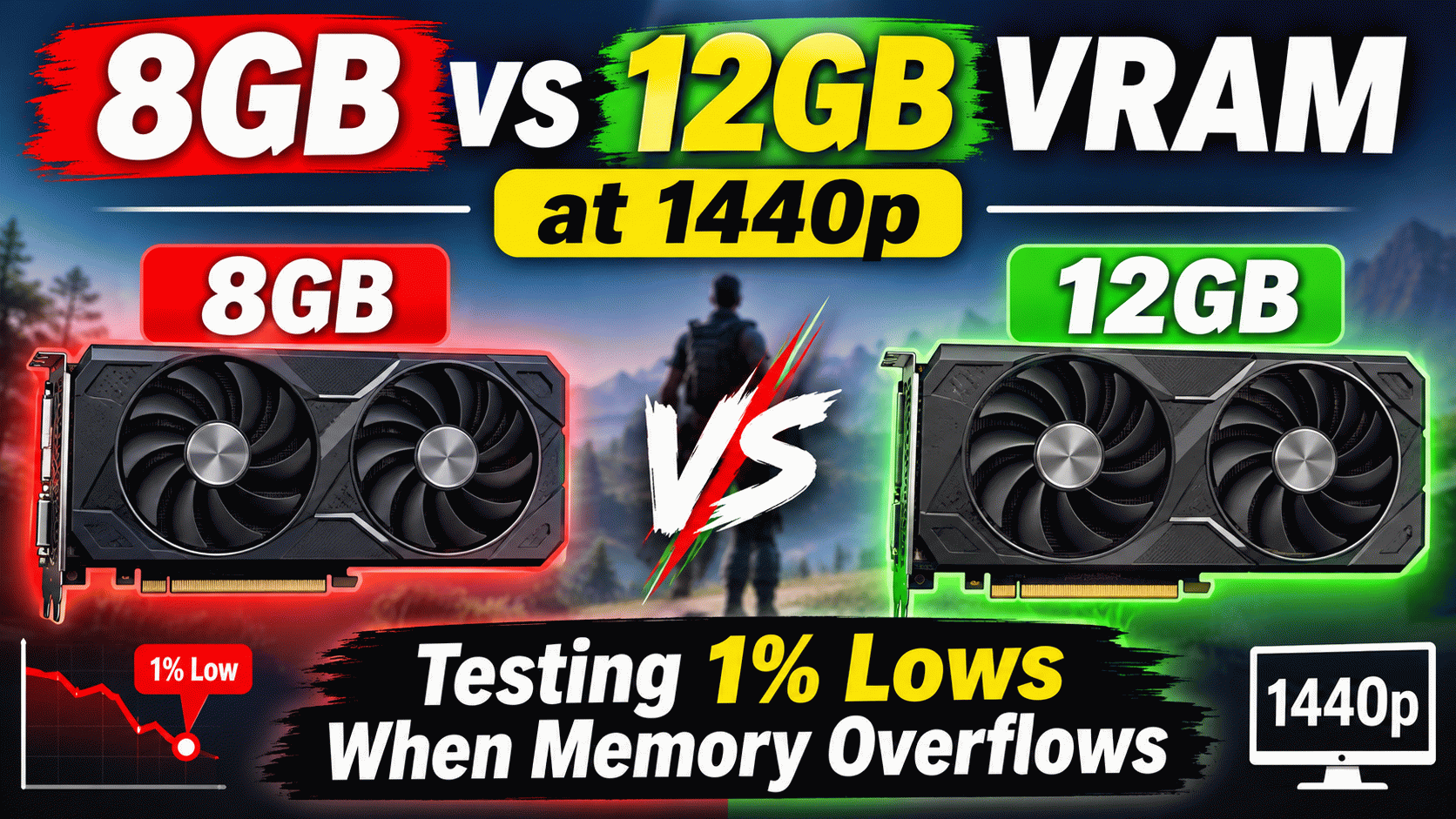
For the better part of a decade, 8GB of Video RAM (VRAM) was considered the absolute gold standard for mainstream and high-end PC gaming. If you bought a graphics card with 8GB of dedicated memory, you could confidently crank every in-game setting to “Ultra” and enjoy a flawless experience. However, the landscape of PC gaming hardware has shifted dramatically. Today, firing up a modern, next-generation AAA title at a 1440p resolution with maximum texture settings on an 8GB graphics card is a guaranteed recipe for severe micro-stuttering, jarring texture pop-in, and sudden framerate tanking.
While average frame rates often look perfectly acceptable on paper or in synthetic benchmark charts, relying solely on average FPS hides the real underlying problem. The true cost of a VRAM capacity bottleneck is found in the 1% lows and 0.1% lows. These metrics represent the sharp, sudden drops in performance—the worst 1% of frames rendered during your gameplay. When a GPU runs out of dedicated memory, it doesn’t just lower your overall frame rate by a few frames; it completely halts the rendering pipeline to fetch missing data, resulting in a severe screen hitch that completely ruins gameplay fluidity.
Here is a comprehensive, technical breakdown of exactly how 8GB and 12GB VRAM capacities handle modern 1440p gaming workloads, what happens behind the scenes when a memory buffer overflows, and why raw memory capacity now matters just as much as the compute horsepower of the GPU core itself.
The Technical Mechanics: Why 1440p Demands More VRAM
To understand why 8GB is struggling, we first have to look at what VRAM actually does during a gaming session. Video RAM acts as the ultra-fast, local staging ground for all the assets your GPU core needs to render the next frame. This includes high-resolution textures, complex shadow maps, geometry data, compute shaders, and the frame buffer itself.
Moving from a standard 1080p monitor to a 1440p display represents a massive 77% increase in total on-screen pixels. That immediate increase requires a proportionally larger frame buffer. However, the real memory killers in modern titles are the environmental assets. Developers are no longer designing games around the 8GB unified memory limits of the PlayStation 4 and Xbox One. Current-generation titles are built for the PlayStation 5 and Xbox Series X, which allocate roughly 12GB to 13GB of their unified memory pool specifically for graphics tasks.
When you attempt to run these modern assets on a PC with only 8GB of VRAM, the graphics API (whether it is DirectX 12 or Vulkan) is forced to constantly juggle assets in and out of the memory buffer. If an asset is needed for a frame but isn’t in the VRAM, the GPU experiences a cache miss.
The Testing Methodology and Bench Setup
To accurately isolate VRAM capacity limitations from other potential system bottlenecks (like CPU limitations or storage speed), our testing methodology relies on a high-end test bench designed to push the GPU to its absolute limit.
We specifically track both Average FPS and 1% Lows. A massive gap between the average FPS and the 1% low is the defining signature of severe frame-pacing issues and memory overflow stuttering.
- Test Resolution: 2560 x 1440 (1440p Native)
- In-Game Settings: High/Ultra Presets (No DLSS, FSR, or XeSS upscaling used. Native rendering forces the maximum possible memory footprint.)
- System Memory: 32GB DDR5 @ 6000MHz (To ensure system RAM speed does not artificially worsen the spillover penalty)
- Monitoring Tool: MSI Afterburner alongside RivaTuner Statistics Server (RTSS) for exact frame time capture.
Benchmark Results: 1440p VRAM Heavyweights
The following data illustrates the steep performance cliff that 8GB graphics cards fall off when modern game engines attempt to allocate massive textures, ray tracing Bounding Volume Hierarchy (BVH) structures, and volumetric shadow maps into an insufficient frame buffer.
| Game (1440p, High/Ultra) | 8GB VRAM (Avg FPS) | 8GB VRAM (1% Lows) | 12GB VRAM (Avg FPS) | 12GB VRAM (1% Lows) | VRAM Allocated |
|---|---|---|---|---|---|
| The Last of Us Part 1 | 58 FPS | 14 FPS (Severe Stutter) | 64 FPS | 51 FPS (Smooth) | ~10.5 GB |
| Hogwarts Legacy | 62 FPS | 21 FPS | 68 FPS | 55 FPS | ~11.2 GB |
| Cyberpunk 2077 (RT On) | 45 FPS | 12 FPS | 48 FPS | 39 FPS | ~10.8 GB |
| Resident Evil 4 Remake | 71 FPS | 28 FPS (Texture Pop-in) | 76 FPS | 62 FPS | ~11.5 GB |
| Red Dead Redemption 2 | 82 FPS | 65 FPS | 85 FPS | 69 FPS | ~6.8 GB |
Deep Dive: Analyzing the Data Drops
1. The “Spillover” Stutter (The Last of Us & Hogwarts Legacy)
If you only looked at the average framerate, you might think the 8GB card is performing admirably. Notice how it maintains a highly respectable 58 to 62 Average FPS in both The Last of Us Part 1 and Hogwarts Legacy. However, the gameplay experience is actually abysmal. The 1% lows completely collapse down to 14 FPS and 21 FPS respectively.
This happens because traversing the map in these games requests roughly 10GB to 11.2GB of memory to load the high-resolution environmental textures. When the 8GB buffer overflows, the game engine doesn’t just crash; it engages a failsafe mechanism. The GPU is forced to fetch the missing 2GB to 3GB of required texture data from your computer’s general system RAM (DDR4 or DDR5) across the PCIe bus.
This is where the massive bottleneck occurs. Dedicated GDDR6 VRAM operates at bandwidths typically exceeding 400 to 500 Gigabytes per second (GB/s). Standard DDR5 system RAM operates at a mere 60 to 80 GB/s, and sending that data across the PCIe bus introduces massive latency. The GPU core sits idle waiting for this slow data to arrive before it can render the frame. That idle wait time manifests on your monitor as a massive, jarring stutter.
2. The Ray Tracing Memory Penalty (Cyberpunk 2077)
Ray Tracing is often discussed purely in terms of computational cost, but its memory footprint is equally devastating. Turning on Ray Tracing requires the game engine to build and store a Bounding Volume Hierarchy (BVH). The BVH is a complex, 3D structural map of the entire environment used to calculate exactly where light rays bounce and intersect with objects.
At 1440p, activating Ray Tracing in a dense environment like Cyberpunk 2077 easily pushes VRAM allocation past the 10GB mark. On an 8GB card, this turns what should be a visually stunning, playable experience into an unplayable slideshow with 1% lows dipping to 12 FPS. The 12GB card, however, has enough local memory to store the BVH structure completely on the card, keeping 1% lows at a much more stable 39 FPS.
3. The Illusion of Optimization (Resident Evil 4 Remake)
Capcom’s RE Engine handles memory differently. In Resident Evil 4 Remake, the game attempts to allocate all available memory to cache textures, which can make VRAM usage look artificially high. However, even when adjusting for this caching behavior, pushing textures to maximum at 1440p genuinely exceeds 8GB of required data. The result on an 8GB card is a mix of stuttering (28 FPS 1% lows) and visual bugs, which leads us to the next major issue: silent downgrades.
Texture Pop-in: The Invisible 8GB Bottleneck
Sometimes, your 1% lows won’t drop, but your visual quality will silently degrade. Modern game engines, particularly Unreal Engine 5 with its advanced rendering pipelines, utilize aggressive dynamic texture streaming. If the engine detects that you only have 8GB of physical VRAM remaining, it will forcibly prevent Ultra textures from loading into the buffer in order to prevent an Out of Video Memory (OOM) fatal crash.
You can go into the settings menu and confidently select “Ultra,” but the game engine will intentionally ignore you. It will silently render “Medium” or “Low” resolution proxy textures. You will be playing at 1440p, but the stone walls will look muddy, the ground surfaces will be a blurry mess, and character clothing will lack fine detail. A 12GB or 16GB graphics card will actually render the true high-resolution assets you paid for, making the visual gap between an 8GB card and a 12GB card much larger than benchmark graphs can properly display.
The Verdict: Is 8GB Completely Dead?
The answer depends entirely on the monitor sitting on your desk.
For 1080p gaming, 8GB of VRAM remains a viable and highly functional capacity. While you may need to occasionally drop texture settings from Ultra to High in the absolute heaviest unoptimized titles of 2024 and beyond, an 8GB card will generally provide a smooth, enjoyable experience at 1080p.
However, for 1440p gaming, the era of 8GB is effectively over. It is no longer sufficient for a premium, stutter-free experience without making heavy, noticeable compromises to visual quality. If you are building a new PC or upgrading an older GPU specifically to pair with a 1440p high-refresh-rate monitor, 12GB of VRAM must be considered the absolute minimum baseline. For true future-proofing against the next wave of heavy Unreal Engine 5 releases, a 16GB VRAM buffer provides the most comfortable and reliable safety net.